Height Mixer Node
Blend shaders the physically accurate way.
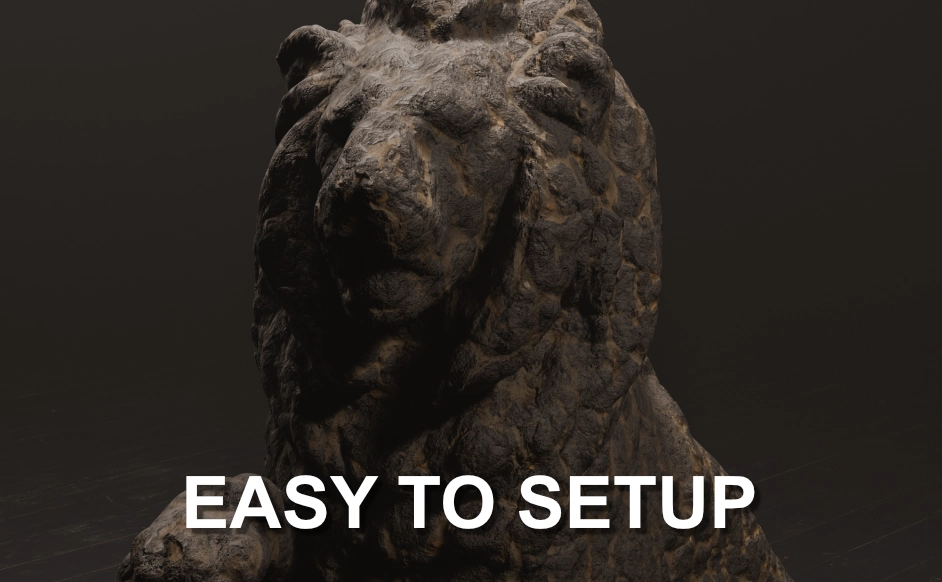
The Height Mixer Node uses height data to blend materials naturally creating smooth, layered and production-ready surfaces in Blender.
Why Height Mixer?
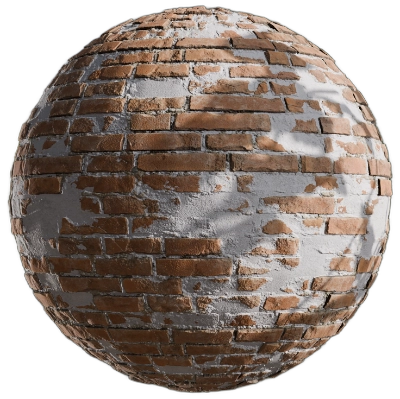
Traditional shader mixing relies on flat masks or factor inputs, which often produce unnatural transitions.
The Height Mixer Node uses height information to drive blends, producing layered, realistic results that behave like real-world material buildup.
Layering, Chaining & Baking
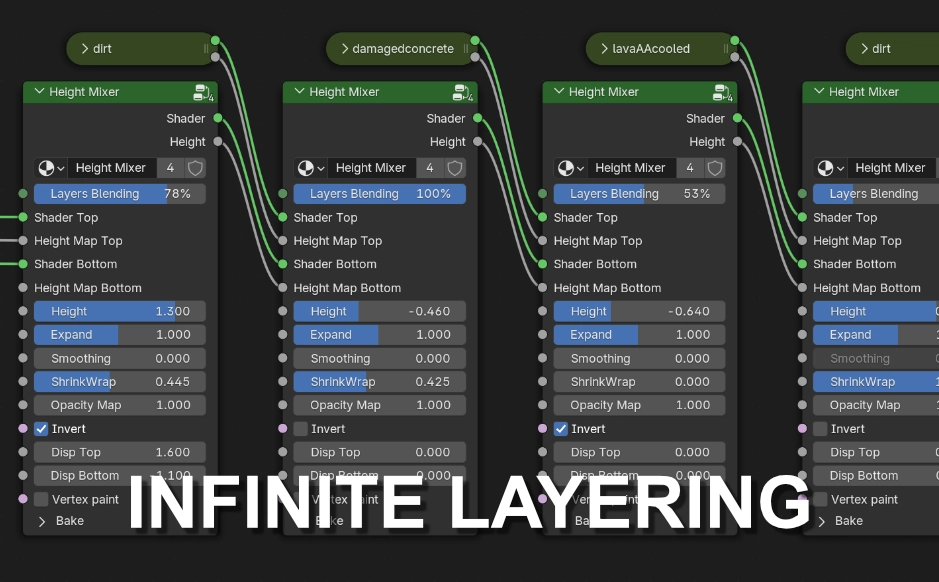
Stack Height Mixer nodes for complex multi-layer materials (e.g. soil → rock → moss). When ready, bake the blended maps for optimal performance or easy export to game engines.
Fine-Tuned Controls
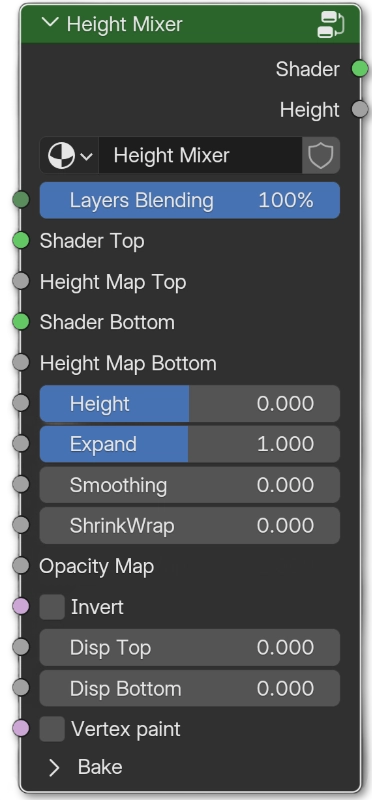
Parameters designed for artists:Height: Relative height of the top layer from the base.
Expand: Control spread/overlap of the top layer.
Smoothing: Soften transitions for natural results.
ShrinkWrap: Make the top layer wrap onto the surface below.
Opacity Map: Apply local masks or decals.
Invert: Invert the direction of the blending
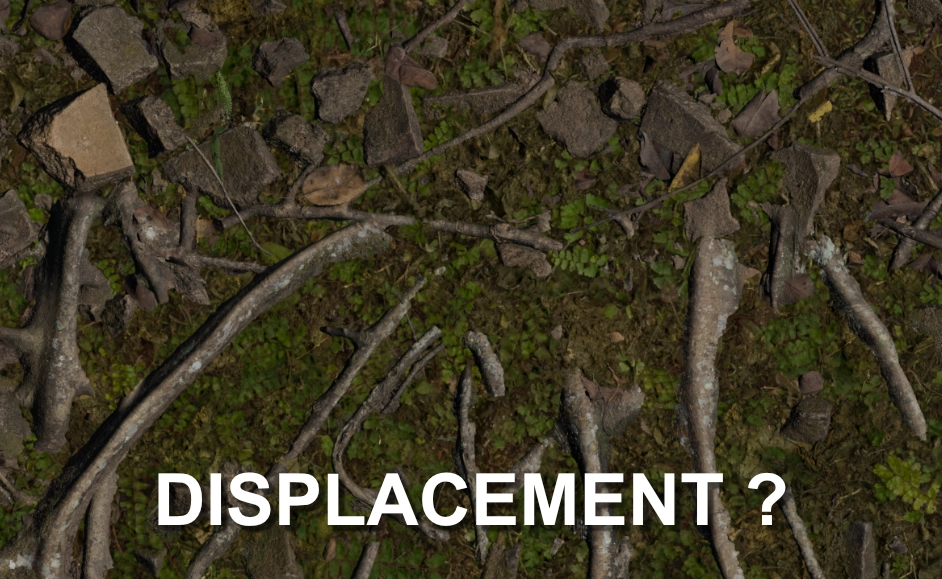
Displacement controls: Optionally tweak displacement strength for each layer.
Vertex paint: Activate vertex painting
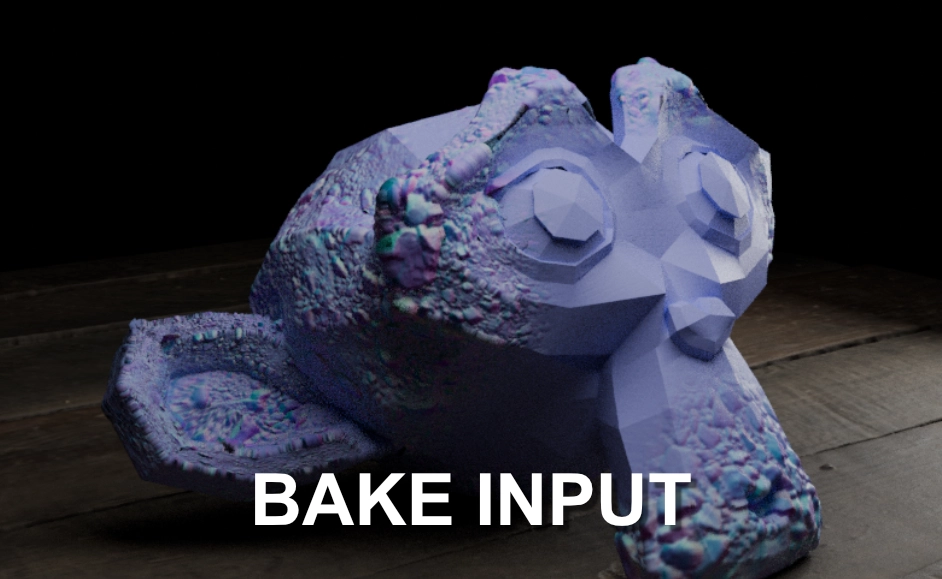
Bake: Input map for baking
Vertex Paint integration

Use vertex colors to paint blending zones directly in the viewport for precise artistic control - great for terrain authoring or targeted masking.
Decals Mixing
Blend decals with your materials, perfect for adding details without breaking realism.
Control the direction of decal interaction:
Outward decals add surface buildup such as stickers, paint, or debrit layers.
Inward decals carve into the surface for engravings, cracks or damages.
Fine-Tune with vertex painting to locally refine your decal blending.
Custom Masking
Use the opacity map input of the Height Mixer Node to drive custom masking.
Integrate to your workflow
Add details to your environement scenes